How to Use QR Code Menu Updates to Refresh Your Restaurant Menu Easily
Learn practical steps to update your restaurant menu easily using QR codes without reprinting, saving costs and improving flexibility.
FY9 Team · 28 October 2026
Key takeaways
- Dynamic QR codes link a static code to an online menu that can be updated anytime without reprinting.
- Preparing a mobile-friendly, clear digital menu is essential for effective QR code linking.
- Strategic placement and design of QR codes in the restaurant encourage customer scanning.
- Menu content can be updated behind the scenes while the same QR code remains active.
- Analytics on QR code scans help optimize menu offerings and customer experience.
What are QR code menu updates and why use them?
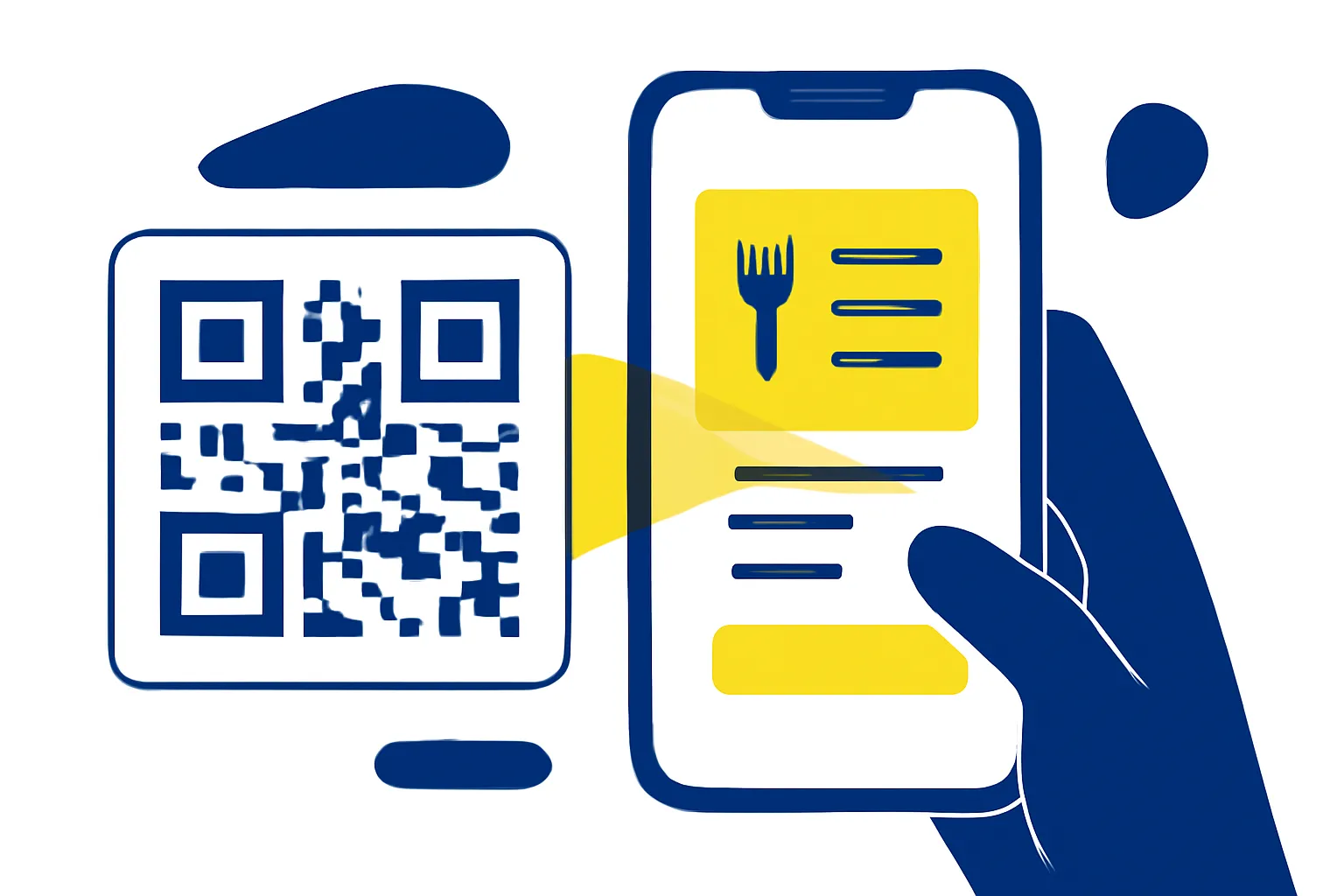
QR code menu updates refer to linking a static QR code to an online menu that can be changed as needed without altering the printed code itself. This approach offers significant advantages over traditional printed menus, such as cost savings on reprinting and the flexibility to update prices, dishes, or special offers instantly. Dynamic QR codes specifically enable this seamless update process by directing customers to a digital menu hosted on a website, PDF, or menu platform that can be modified anytime.
How to prepare your digital menu for QR code linking?
Start by choosing the right format for your digital menu—options include a PDF file, a dedicated webpage, or an online menu platform. Ensure the menu is easily readable on mobile devices, as most customers will scan QR codes using smartphones. Organize menu items clearly with updated pricing, descriptions, and categories to help customers find dishes quickly. Using a clean layout with legible fonts improves accessibility and customer satisfaction.
How to generate and place QR codes effectively in your restaurant?
Create dynamic QR codes that link directly to your prepared digital menu. Use QR code generation tools that support dynamic codes, allowing you to change the linked content without reprinting the code. Place QR codes strategically around your restaurant—common locations include table tents, posters near the entrance, and takeaway packaging. Consider QR code size and design; codes should be large enough to scan easily but unobtrusive. Adding clear instructions or icons near the code can encourage customers to scan.
How to update your menu content without reprinting QR codes?
With dynamic QR codes, you can update the linked menu file or webpage at any time while keeping the same QR code active. This means when prices change or new dishes are added, you simply upload the new menu version to the linked location. Best practice includes scheduling timely updates and informing your staff about changes to maintain consistency in customer communication. This method avoids the cost and waste of reprinting menus or QR codes.
How to track customer engagement and optimize your menu?
Use scan analytics to monitor which QR codes are scanned most and which sections of your menu attract the most attention. This data can guide decisions on which dishes to promote or modify. For example, if a particular dish receives few views, consider revising its description or pricing. Analytics also help measure the effectiveness of promotions or new menu launches. Leveraging these insights improves customer experience and can boost sales.
How to ensure a smooth customer experience with QR code menus?
Regularly test your QR codes to ensure they link correctly and load the menu promptly. Provide alternative options such as printed menus for customers who prefer them or have difficulty using QR codes. Maintaining hygiene and safety standards is easier with contactless menu access via QR codes, reducing shared surface contact. Clear signage and staff assistance can help customers unfamiliar with QR code usage.
Practical example: Pune café updating Diwali specials
A café in Pune uses dynamic QR codes printed on table tents linking to a PDF menu hosted online. For the Diwali season, they update the menu with special sweets and snacks by uploading a new PDF to the same link. Customers scan the QR code and see the latest offerings without any need for new printouts. The café tracks scans per table tent via analytics to identify popular items and adjust stock accordingly.
What to do next
Begin by digitizing your current menu in a mobile-friendly format. Use a dynamic QR code generator to create codes linking to your digital menu. Place these codes in visible spots and train your staff on menu updates and customer assistance. Monitor scan data regularly to refine your menu and improve customer engagement. Tools like FY9's dynamic QR codes and analytics can support these steps efficiently (QR codes, analytics, restaurants).
Frequently asked questions
What is a dynamic QR code for restaurant menus?
A dynamic QR code links to an online menu that can be updated anytime without changing the printed QR code, allowing menu updates without reprinting.
How do I make sure my digital menu is mobile-friendly?
Use clear fonts, simple layouts, and test your menu on various smartphones to ensure readability and easy navigation.
Where should I place QR codes in my restaurant?
Place QR codes on table tents, posters near entrances, and takeaway packaging where customers can easily scan them.
Can I update my menu prices using the same QR code?
Yes, with dynamic QR codes, you update the linked menu content without changing the QR code itself.
How can I track which menu items customers prefer?
Use scan analytics to see which QR codes and menu sections receive the most attention, helping you optimize your offerings.
What if some customers don’t want to use QR codes?
Provide printed menus or staff assistance as alternatives to ensure all customers have a good experience.